
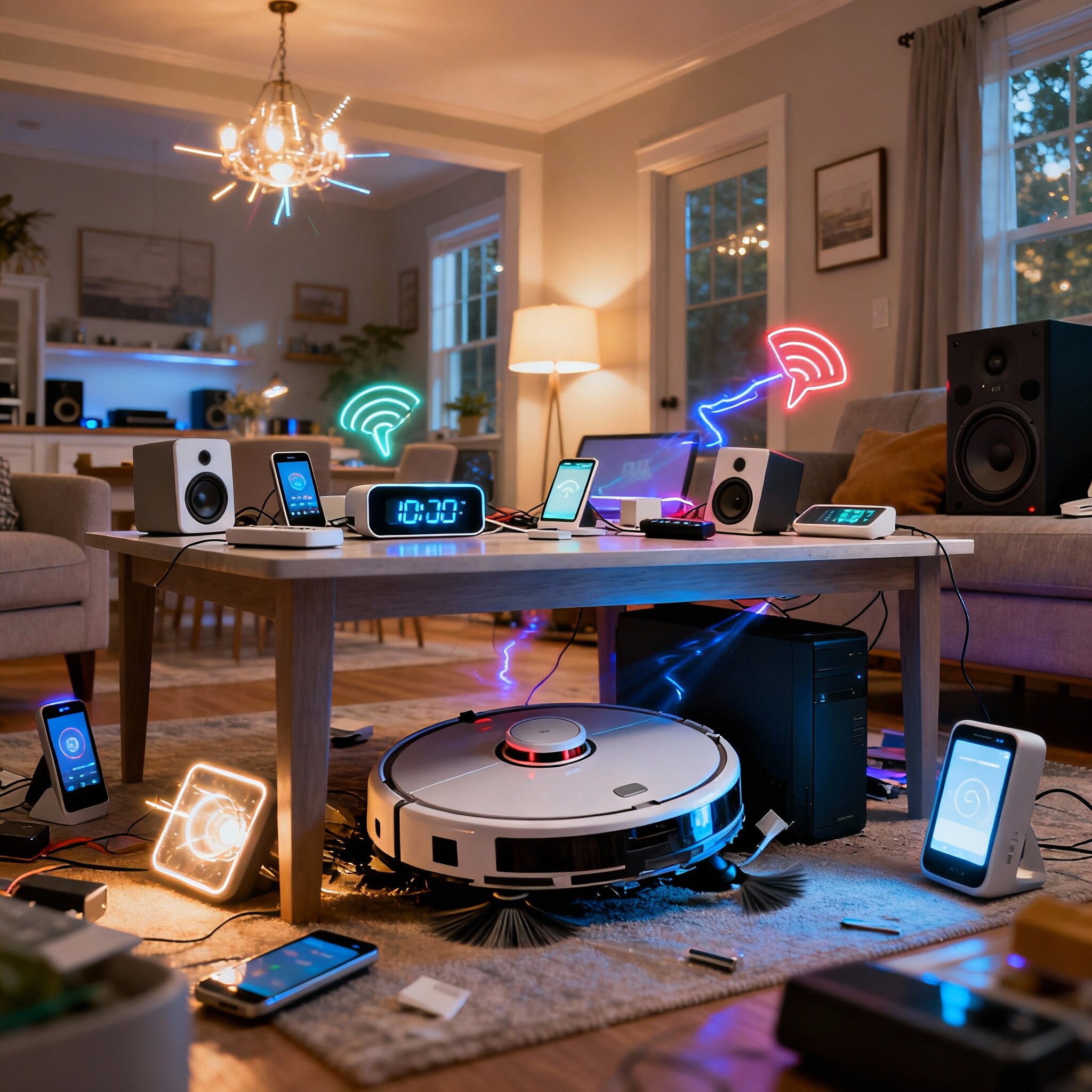
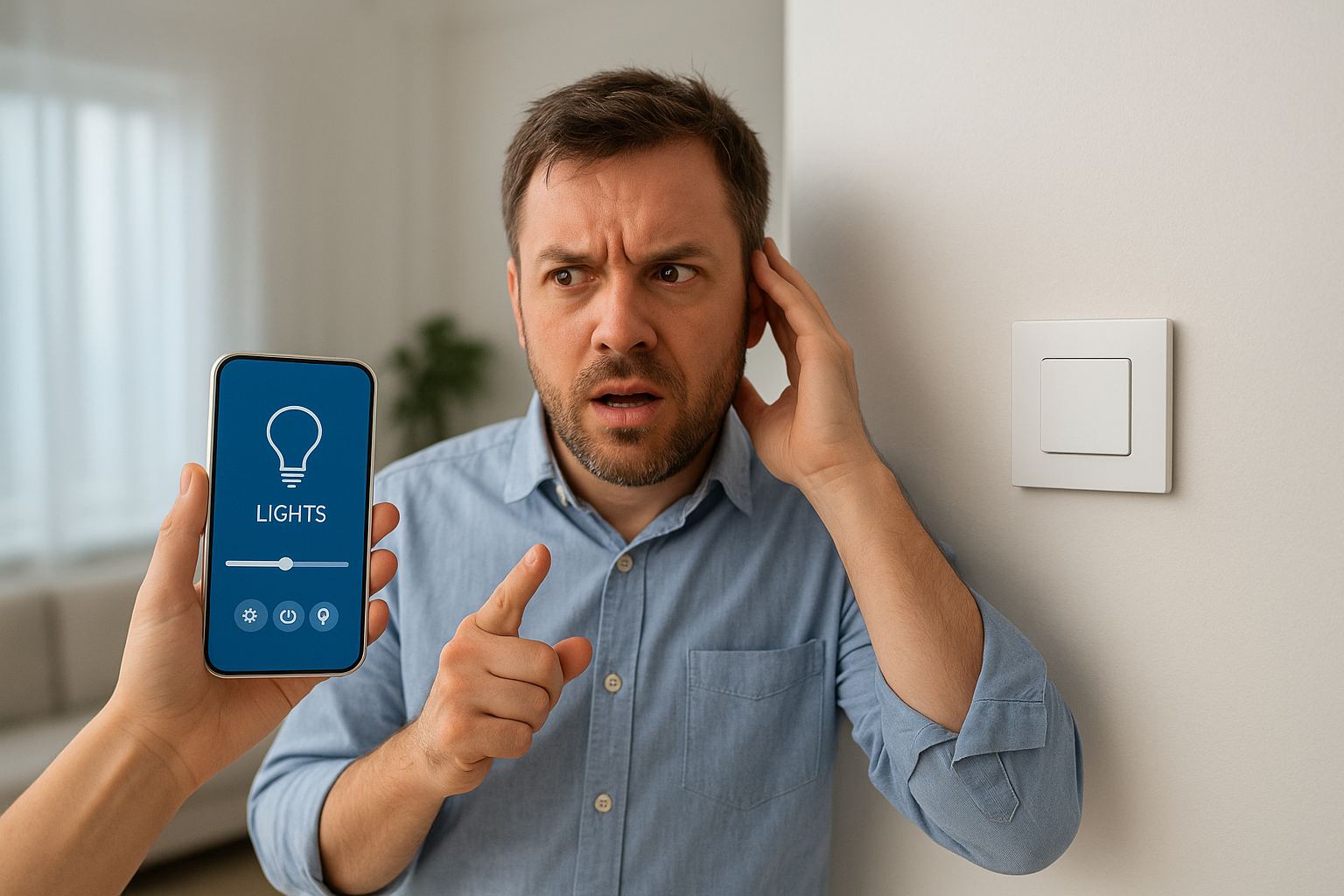
A practical, comprehensive guide with a dash of irony — for those who want a smart home, not a truckload of devices that don't talk to each other.
What is home automation (in plain words)
Home automation is the set of technologies that transform your house from a "place where you live" to a "place that anticipates your whims": lights that turn on as you walk by, heating that knows when you're coming home, shutters that rise as if by magic... but without a wand — just sensors, cables, radio frequencies, and a few firmware updates.
If you want normality: think of home automation as an electronic housekeeper. If you want drama: think of that assistant who, if you cut off its connection, ignores you.
Types on the market (and why you should know them)
1. Professional wired systems (e.g. KNX / BUS)
- What they are: systems made with dedicated buses (dedicated cable for commands) and professional controllers.
- Pros: extremely reliable, customizable, work even without the cloud, great for large systems or renovations.
- Cons: costs and installation complexity; best to plan them during a renovation.
2. Wireless systems (Wi-Fi, Zigbee, Z-Wave, Thread)
- Wi-Fi: easy, everyone has it—but more devices = more congestion.
- Zigbee / Z-Wave / Thread: low-power mesh protocols designed for smart homes; often require a hub.
- Pros: quick installation, wide choice of devices.
- Cons: variable reliability, often depend on hub/cloud.
3. Proprietary ecosystems (Google Home, Amazon Alexa, Apple HomeKit, Tuya, etc.)
- Pros: immediate, integration with voice assistants, convenient.
- Cons: lock-in (you're tied to the ecosystem), potential privacy issues.
4. Hybrid systems
- Wired and wireless mix: often the most pragmatic choice. Wired where needed (e.g. shutters, alarms), wireless where you want convenience.
5. DIY vs Professional Solutions
- DIY (smart plugs, bulbs, Wi-Fi sockets): cheap and immediate.
- Professional: design, interoperability, support. Choose based on budget and expectations.
What needs do they solve (and why they're not just “show-off”)
- Security: alarms, door/window sensors, smart cameras.
- Comfort: automated lights, smart climate control, morning routines.
- Energy efficiency: heating management, smart thermostats, energy monitoring.
- Accessibility: real help for people with reduced mobility (voice commands, remote control).
- Maintenance and monitoring: sensors that alert you to leaks, malfunctions, low batteries.
- Entertainment: multiroom audio, lighting scenes for movie nights.
- Property value: a well-designed smart home increases appeal and (often) market value.
How to choose without making mistakes (practical guide)
1. Define your real needs
Don't buy everything just because "it's cool." Want to save on your bill? Focus on energy. Want security? Start with sensors and alarm integration.
2. Budget = rules of the game
- Low cost: smart bulbs, smart sockets, basic cameras — starts from a few dozen euros.
- Medium: Zigbee/Z-Wave hub, smart thermostat, motorized shutters — a few hundred/thousand euros.
- Advanced: KNX or custom wired system — serious investment, but professionalism and durability.
3. Interoperability: prefer open standards
Look for devices that use standards (Zigbee, Z-Wave, Thread, Matter). Avoid the "many apps, no peace" effect: you don't want ten apps to turn on a light.
4. Local control vs cloud
- Local: more privacy and offline operation.
- Cloud: convenience and integrations but dependence on external servers. Choose based on your tolerance for “surprising” updates.
5. Security and privacy
- Check manufacturer policies on data and updates.
- Make sure devices receive firmware updates.
- Segment the network (VLAN/guest Wi-Fi) to isolate IoT devices.
6. Scalability
Think about what you'll want to add in 2–5 years. It's cheaper to plan for it now than to redo wiring later.
7. Installation and certifications
For complex systems, rely on certified installers — the difference between "it works" and "it works well for 10 years" is the professional.
Quick checklist for choosing (pause, read, decide)
- Have I written down my goals (security, savings, comfort)?
- Do I have a realistic budget and room for unforeseen expenses?
- Do I prefer local control or cloud services?
- Are the devices compatible with an open standard/Matter?
- Does the provider release updates and support?
- Can I install the solution without major construction work?
- Do I have a plan for network security (passwords, segmentation)?
Practical examples (scenario + recommended option)
- Student apartment, tiny budget: smart plugs, Wi-Fi bulbs, basic outdoor camera. Benefit: convenience and a few euros saved.
- Couple working all day, medium budget: Zigbee hub + door sensors, smart thermostat, programmable lights. Benefit: comfort and remote management.
- Complete renovation, maximum ambition: KNX project with integrated climate, shutters, alarm, and supervision. Benefit: professional system, property value.
(Prices vary: the important thing is to choose what you need, not what will get the neighbors talking.)
Mistakes to avoid (so you don't end up like a TV episode)
- Buying everything from the Black Friday sale without a plan.
- Relying on a single proprietary ecosystem when you want freedom.
- Ignoring network security: "1234" passwords are an invitation.
- Thinking that more devices = more intelligence (sometimes it's just more confusion).
A sincere tip
Home automation is fantastic when it meets real needs: security, savings, accessibility, or simply making your home look like a sci-fi movie (but without the weird bugs). The golden rule? Plan. Don't chase the latest shiny gadget. Start with what you really want to improve, choose open technologies where possible, consider professionals for complex installations and, above all, don't forget that a smart home should make your life easier — not turn it into a technological soap opera.
If you want, we can write you a mini custom design (checklist, wiring suggestions, and a sample budget). Or I'll stay here and dream of controlling the lights with a yawn: what do you prefer?